CHARACTER REFINEMENT
Image to Image AI for Characters
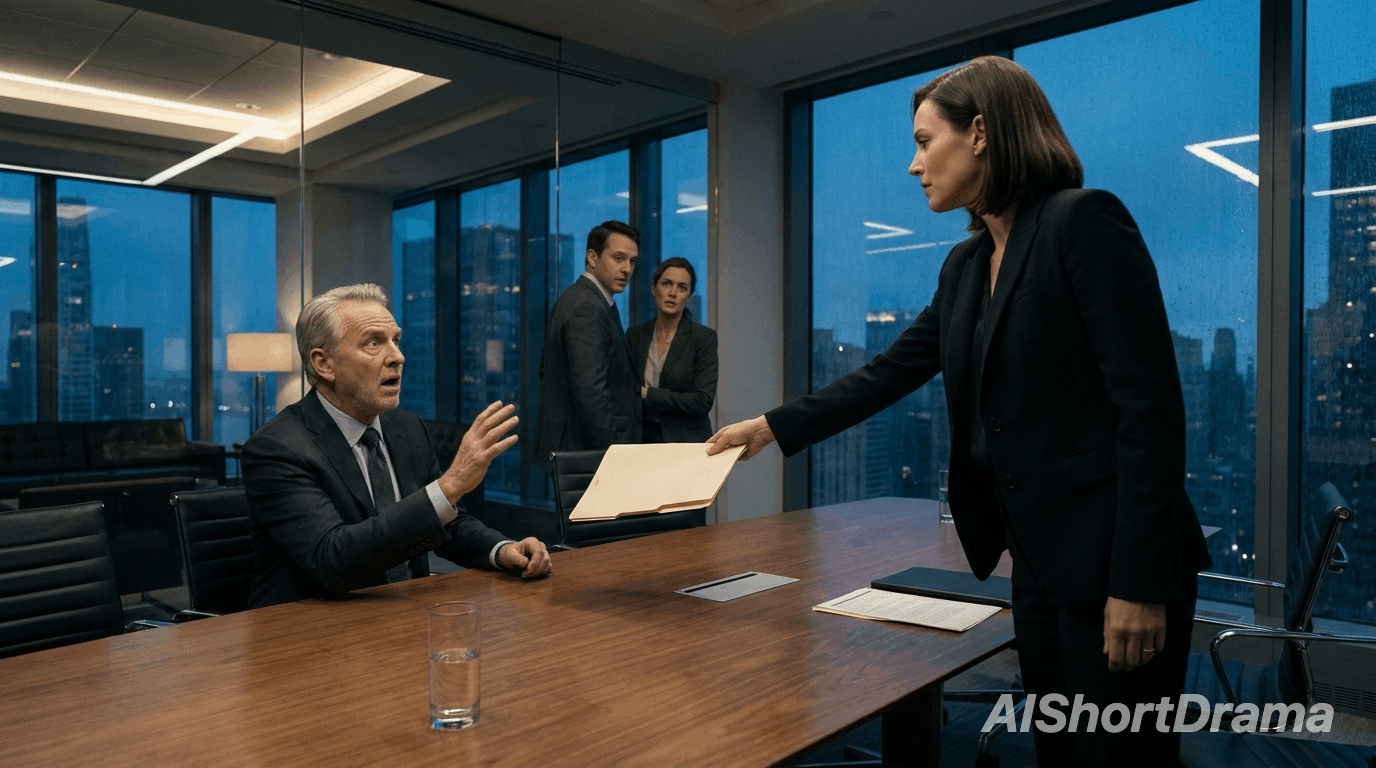
Use an image to image workflow to explore a character's costume, expression or pose from a chosen reference. Describe the facial features and signature details you want to carry into your drama.
Upload a reference and describe your next story moment. AI image to image editing helps refine characters, costumes, settings and lighting into scene visuals for your short drama.
Image to Image AI uses reference images and written instructions to develop visuals for your short drama, helping you refine characters, locations, costumes and scene details around your story.
Use an image to image workflow to explore a character's costume, expression or pose from a chosen reference. Describe the facial features and signature details you want to carry into your drama.
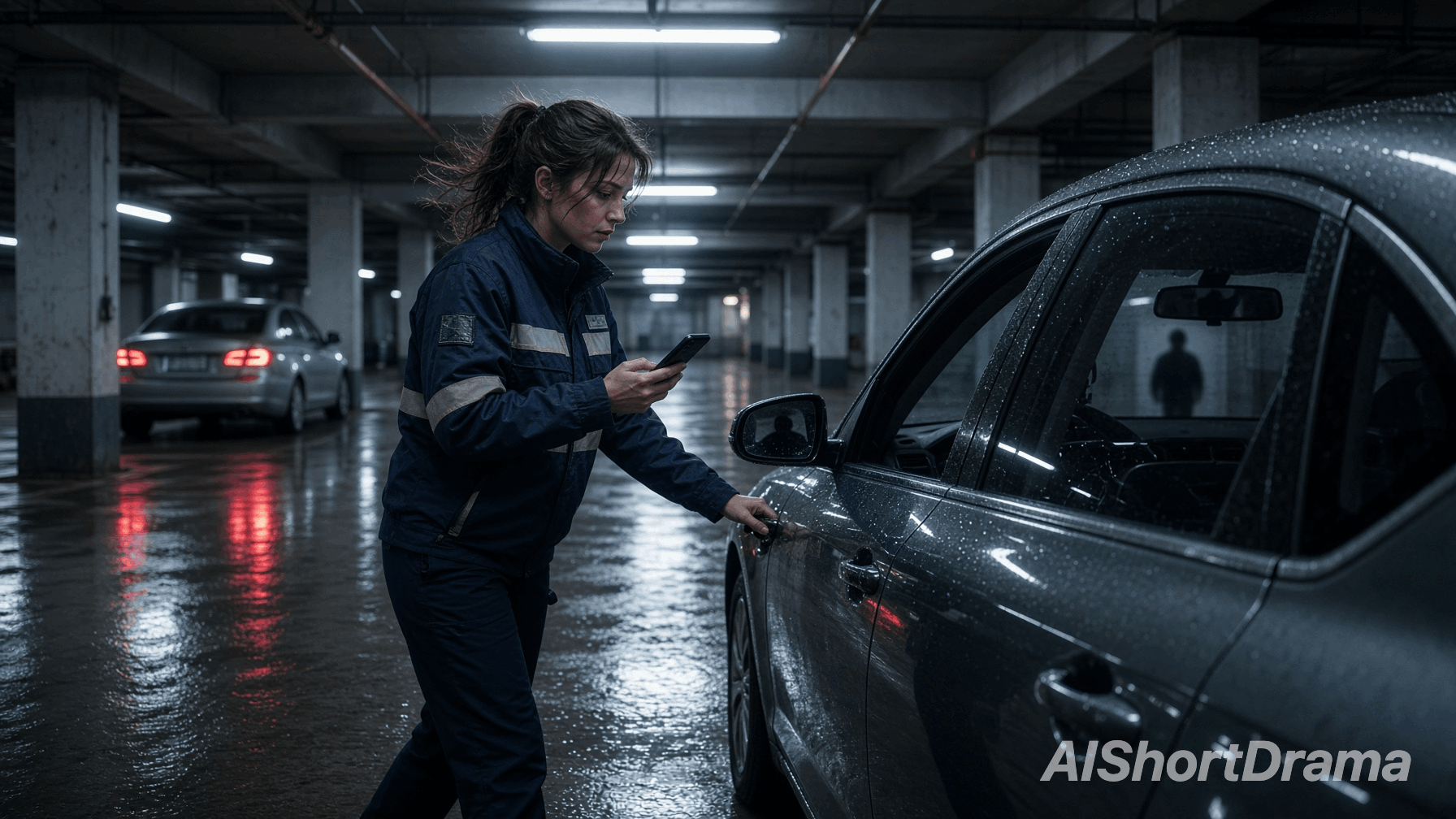
Adapt the location, lighting or weather to the next moment in your story. Tell the generator which characters, props and composition to retain, then review the scene for details that support the drama.
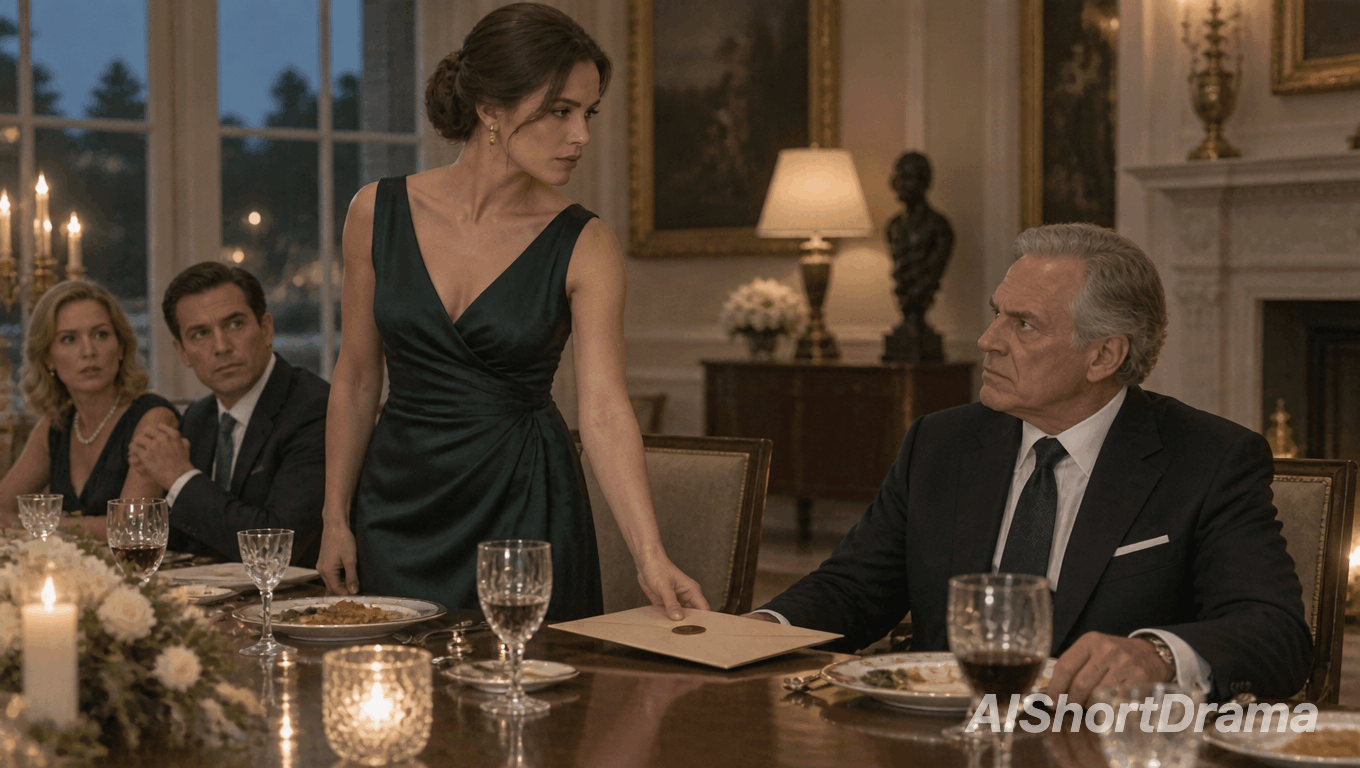
Explore a different reaction, camera framing or visual mood from the same scene reference. Compare versions of a dramatic moment and choose the frame that best guides your next video shot.
This AI image to image workflow develops character looks and scene variations from your chosen visuals.
Provide a character or scene reference and name the details to retain as you develop the next story moment.
Explore new costumes, expressions or lighting, using an existing scene as your visual starting point.
Set a shared style and lighting direction, then compare the results to keep your drama's scenes visually connected.
Refine storyboard frames to give your video shots a visual guide for characters, setting and mood.
Start with a clear scene brief. Four simple steps help turn your reference into a new story frame.
Choose a character image or scene frame to help preserve the composition and character identity in your drama.
Describe the story-driven edit: a different expression, costume, location or lighting for the scene you want to create.
Name the face, costume, props or framing you want the generator to retain from your chosen reference.
Generate with your chosen settings, check continuity and refine your prompt for the next pass.
A useful image to image prompt connects each change to your story. These six details help guide the scene.
Replace "make it dramatic" with "change her smile to a wary glance toward the doorway." Describe the visible story moment and emotional shift the scene needs.
Name the facial features, clothing and key props to retain. Check the output against your reference for changes that affect continuity.
Choose live-action realism, animation or illustration for your drama. Match the direction of adjacent scenes rather than mixing unrelated visual styles.
Shift daylight to evening or add a warm interior glow. Match the story's mood while keeping faces and important action clearly visible.
Describe a closer reaction shot or a wider view of the room. Explain where characters and key props belong within the frame to keep the story action clear.
Specify no added text, watermarks or unrelated people. Keep essential story details visible and avoid instructions that conflict with the changes you want.
Answers to help you refine references for your drama scenes.
Image to Image AI combines a reference image with written instructions to create a related visual for your short drama. Use a character portrait, scene image or storyboard frame as the starting point, then describe the changes your story needs. You can explore costumes, expressions, locations and lighting while guiding the model with existing visual details. Results depend on the selected model, so review each image before using it in your production.
Tell the generator what changes and what should remain. Describe the character's expression, action, costume or surroundings in terms of the scene you are creating. Name the facial features, props and composition you want to retain, then add lighting or style instructions where needed. Focus on one visible story moment and avoid conflicting directions, such as asking for both an unchanged pose and a completely different body position.
Yes. This workflow requires a reference image to guide the result. Upload a character portrait, location image or scene frame that fits your drama, then describe the edit you want. The number of references allowed depends on the selected model and workflow. If you do not have an image yet, use Text to Image to explore your story's visuals first, then bring your chosen result into this workflow.
The generator can help carry a character's appearance into new scenes by using the same visual reference. Describe the face, hairstyle and distinctive details to retain, and specify the expression or setting to change. It does not guarantee an identical appearance in every result. Review each frame for continuity, refine mismatched details and choose the strongest image as a reference for your next video shot.
Generated images can form part of dramas you publish or monetize, subject to our Terms of Service and the selected model's applicable terms. Check those conditions before commercial use. You must have the necessary rights to reference images, character likenesses, stories, brands and other protected material you use, along with any additional assets included in your finished drama.
Upload your reference and shape the next scene in your short drama.