DRAMA SCENES
Text to Image for Drama Scenes
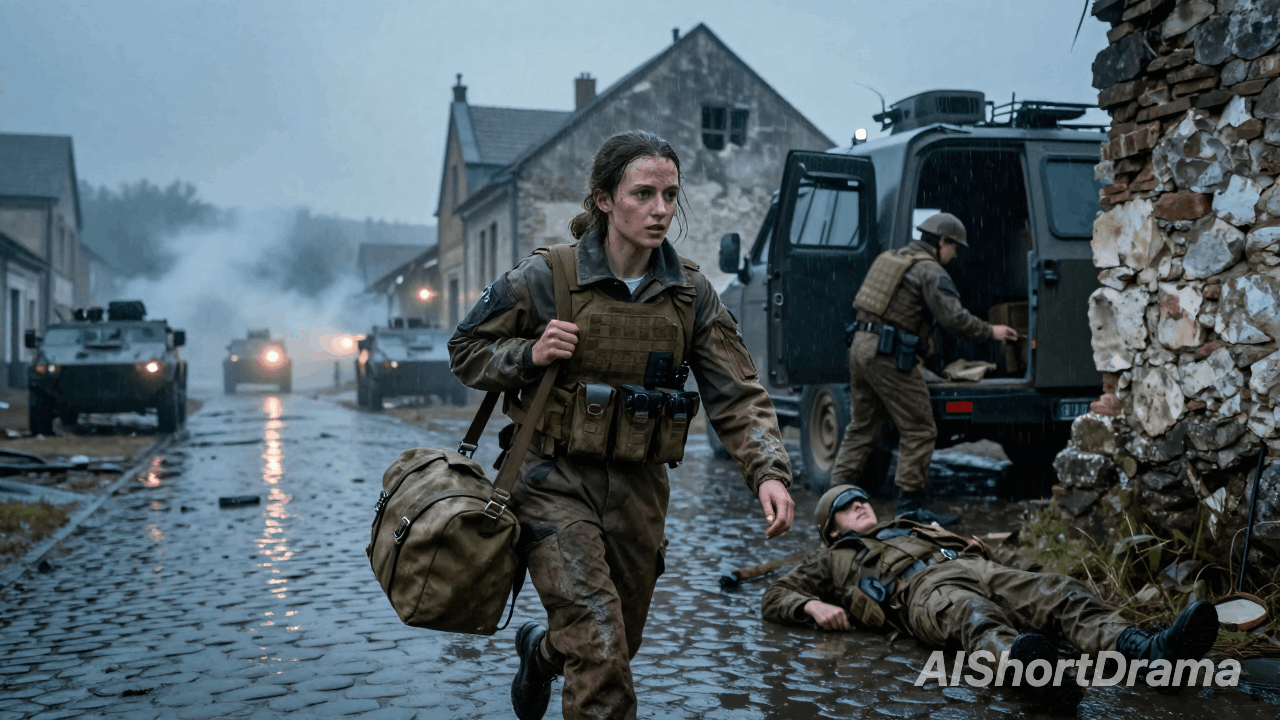
Turn a scene description into visuals for your short drama. Explore locations, costumes, lighting and character interactions before bringing the moment to life on screen.
Start with a story moment. Text to Image AI shapes characters, settings and mood into cinematic visuals for the scenes in your short drama.
Text to Image is an AI tool that turns written prompts into character concepts, cinematic scenes and storyboard frames for your short drama.
Turn a scene description into visuals for your short drama. Explore locations, costumes, lighting and character interactions before bringing the moment to life on screen.
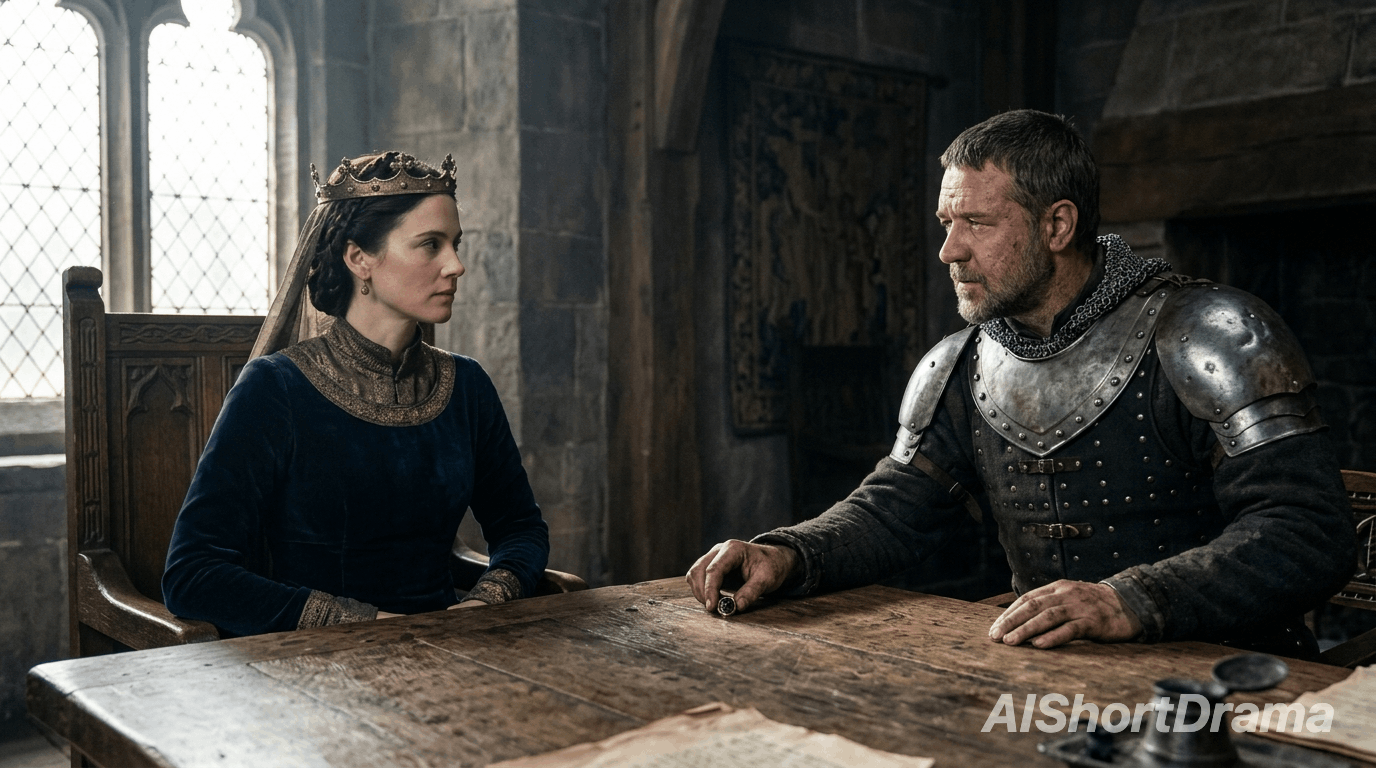
Describe a character's appearance, expression and action to explore a story beat. Compare character concepts before choosing the look that fits their role in your drama.
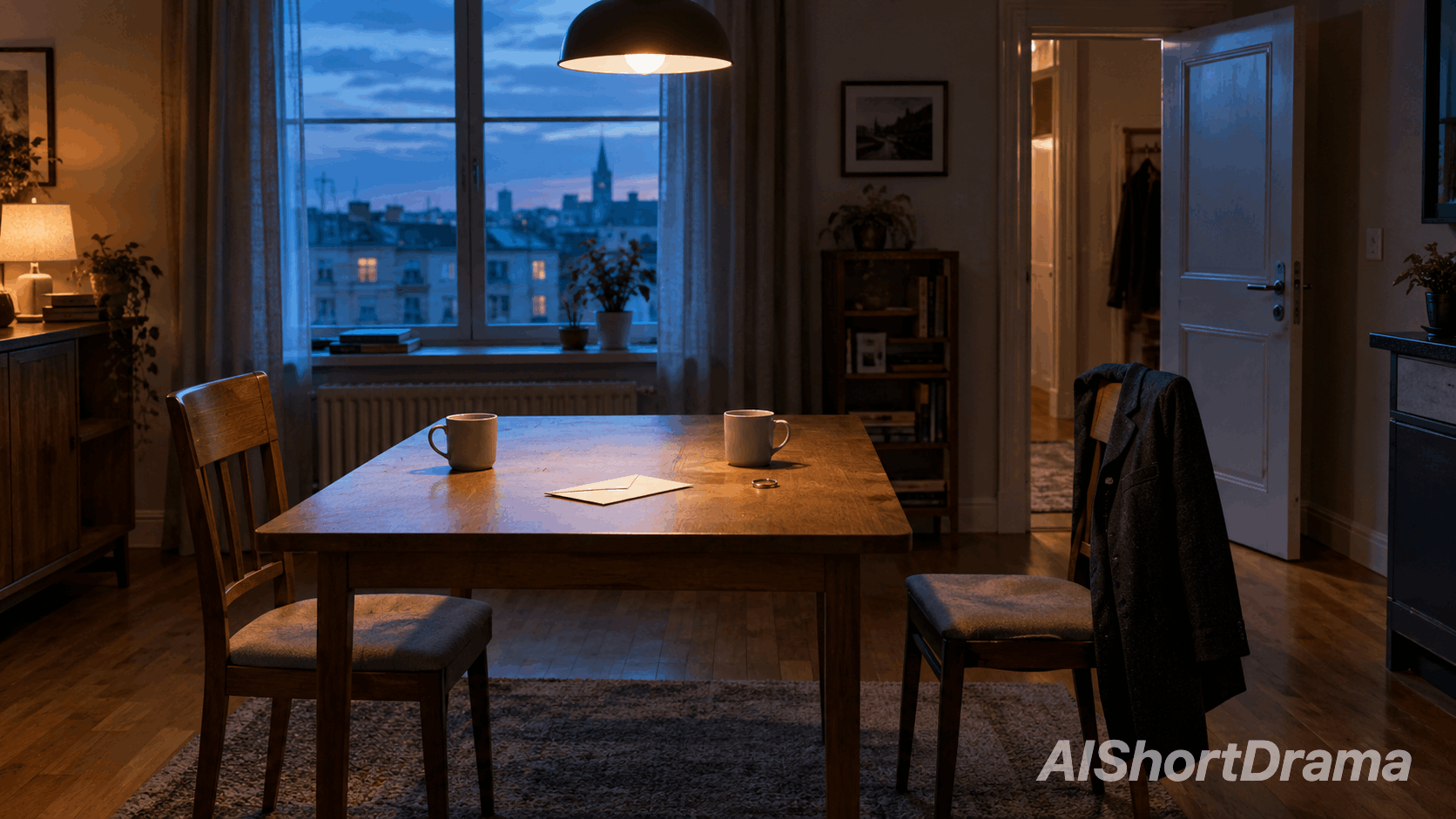
Plan composition, lighting and character placement before moving to video. Your prompt becomes a storyboard frame that guides the mood, camera framing and visual direction of your next shot.
This AI text to image workflow turns a written scene brief into a visual, helping you explore characters, locations and dramatic moments for your short drama.
Start from a written story moment instead of a blank canvas. Create a scene image that gives your characters and setting a clear visual direction before production.
Generate several visual variations and compare locations, character expressions and lighting before choosing a direction for your scene.
The generator works from plain language. Describe your characters, their surroundings and the dramatic moment instead of learning illustration tools.
Use the generated images as storyboard frames and visual references to guide composition, atmosphere and action in your drama's video shots.
Build a scene image from a story moment. Four simple steps take you from script to visual.
Choose a moment from your script. Name the characters, their action and the key props in your prompt.
Add the setting, expressions, lighting and camera framing so your prompt captures the scene's dramatic mood.
Select a model and its available aspect ratio and resolution settings to shape the result for your planned shot.
Generate your scene image, review character details and composition, then refine the prompt for your next pass.
A useful prompt connects visual details to your story. These six elements shape the scene.
Describe a weary detective in a rain-soaked coat, not just “a person.” Appearance and costume help establish the character's role.
Choose a close-up for a reaction or a wide shot to reveal a location. Frame the details that matter to the story.
Use soft daylight for an intimate exchange or streetlight for a tense encounter. Keep faces and important story details clearly visible.
Choose live-action realism, animation or illustration for your drama. Keep the same visual direction across prompts to give scenes a cohesive look.
Describe a clenched hand, a hesitant glance or a letter left unopened. Visible actions and expressions make the dramatic moment easier to read.
Specify no text, watermarks or unrelated people. Keep key props visible and avoid conflicting details so the image supports your planned shot.
Answers to help you create cinematic visuals for your drama.
An AI text to image workflow turns a written scene description into an original visual for your short drama. Describe the characters, location, action and cinematic style, then generate an image to explore how the story could look on screen. You can create character concepts, scene images and storyboard frames without uploading a reference, giving you a visual starting point for the next stage of production.
Start your prompt with the story moment: who is present, what they are doing and what emotion the image should convey. Add the location, clothing, important props, lighting and camera framing. Describe one visible moment rather than a sequence of events, and keep the details consistent. A clear scene brief helps the model focus on your dramatic intent without competing styles or contradictory instructions.
No. The generator starts from a written prompt, so you can explore a character or scene before you have any visual references. Repeating a character description can guide the look, but it does not guarantee the same face across generations. Once you have chosen a character image, use a reference-capable image to image model to help carry that appearance into additional scenes.
Yes. Generate and review your result here, then use the chosen image as a reference in the image to video workflow. Describe how the characters should move, what changes in the scene and how the camera should behave. The image establishes a visual starting point; the video prompt directs the action. Available settings and reference support depend on the video model you select.
Generated images can form part of dramas you publish or monetize, subject to our Terms of Service and the selected model's applicable terms. Check those conditions before commercial use. You are responsible for the rights to stories, character likenesses, brands and other protected material included in your prompts, as well as any additional assets used in your finished drama.
Describe a moment from your story and turn it into a scene for your short drama.